Billing
Help Docs Home > Account Admin > Billing
To view your billing settings, click on ‘Settings’ in the lefthand side navigation when logged in to your account. Then, click on ‘Billing’ from the sub-menu.
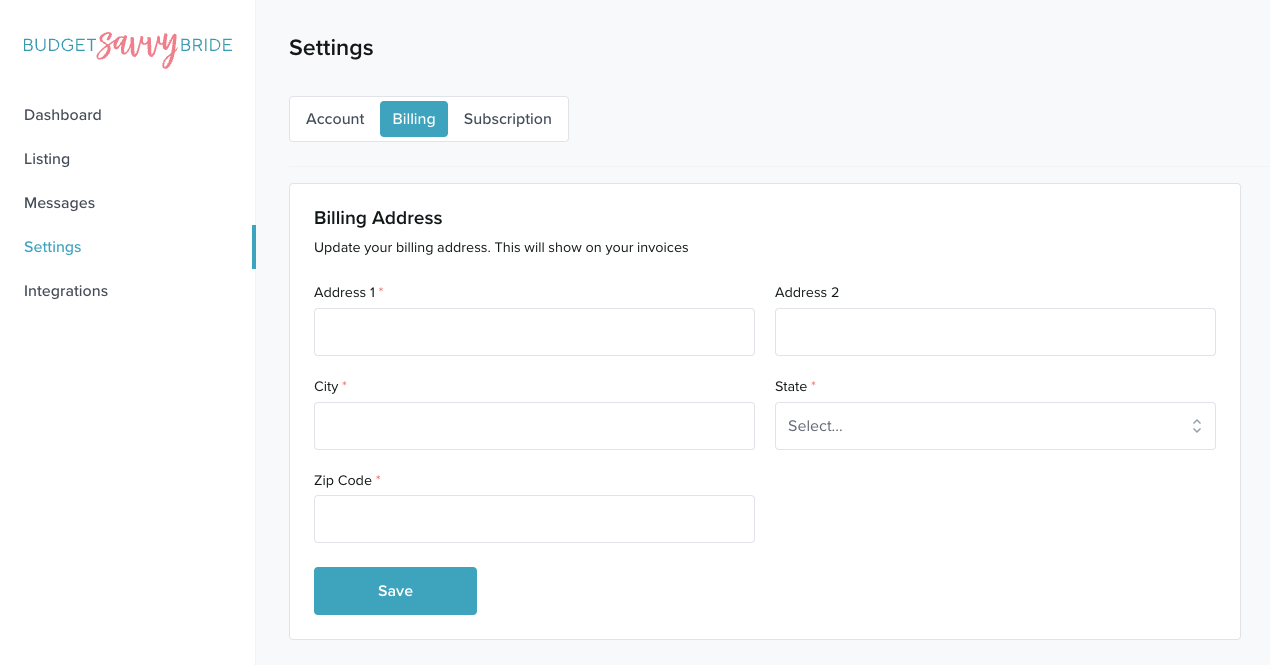
Billing Address
Enter or update your official billing address for your business. This will be added to your invoices for accounting purposes.
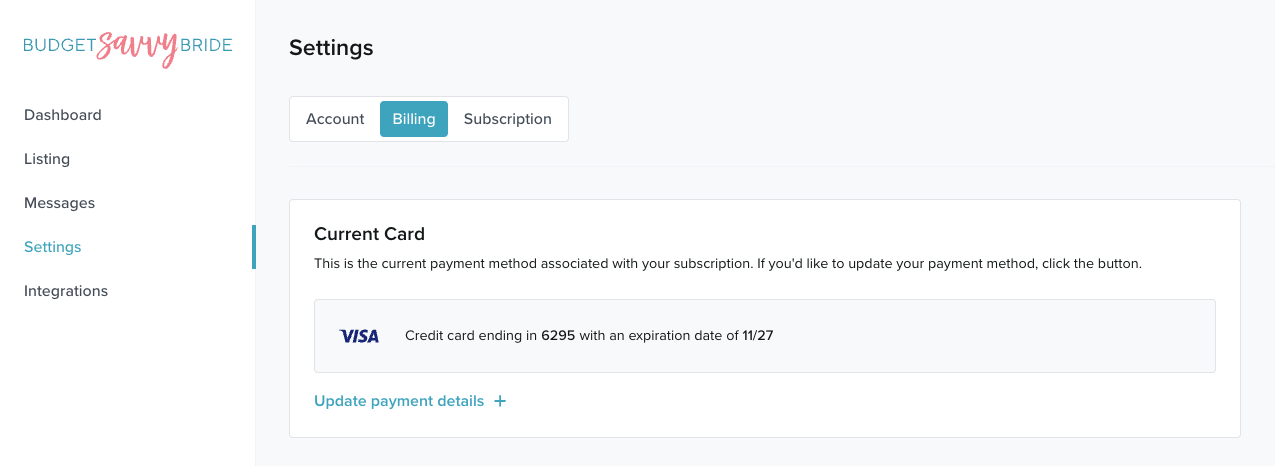
Current Payment Method
To update your credit card used for payment, click the button that says ‘Update payment details’
A popup modal will appear where you can enter in the details of your preferred payment credit card. Once you have filled in your card number, expiry, and CVC, click update to store your changes.
☝️ Note: these card details are stored securely via Stripe and are not kept inside our database.
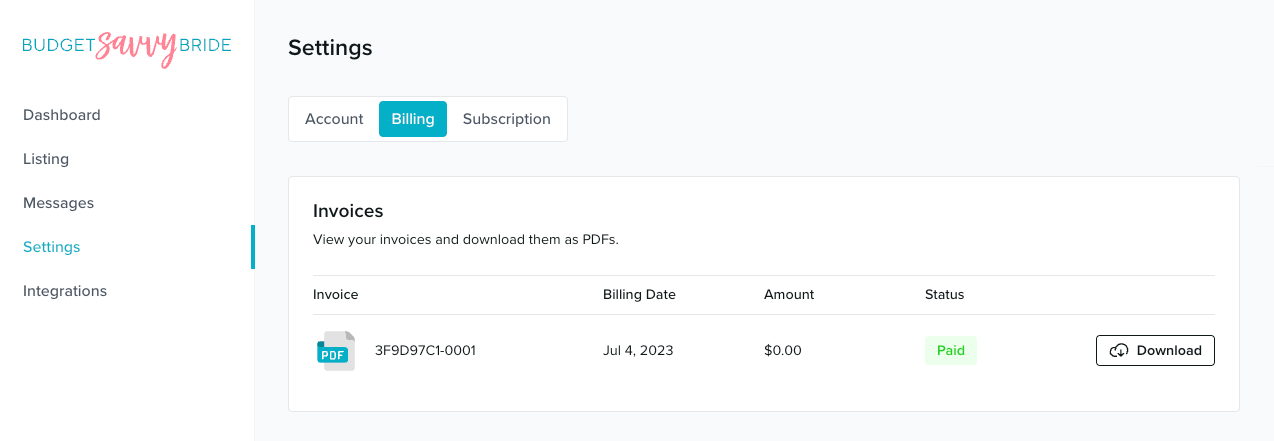
Invoices
In this area, you will also find any invoices for your subscription, which you can download for tax purposes.
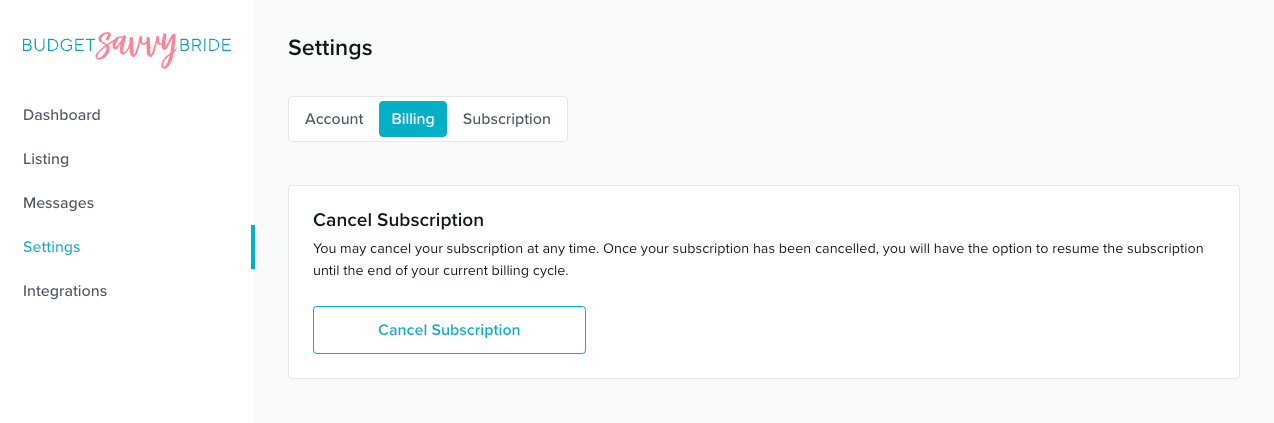
Cancel Your Subscription
At any time, you are free to cancel your subscription. If you decide you’d like to cancel your subscription, you can do so by clicking the “Cancel Subscription” button.
Your listing will remain active through the end of your annual subscription period. If you’d like to delete your listing entirely, please contact us via the Help Chat icon in the bottom right of your screen when logged into your account.