Details
Help Docs Home > Listing Editor > Details
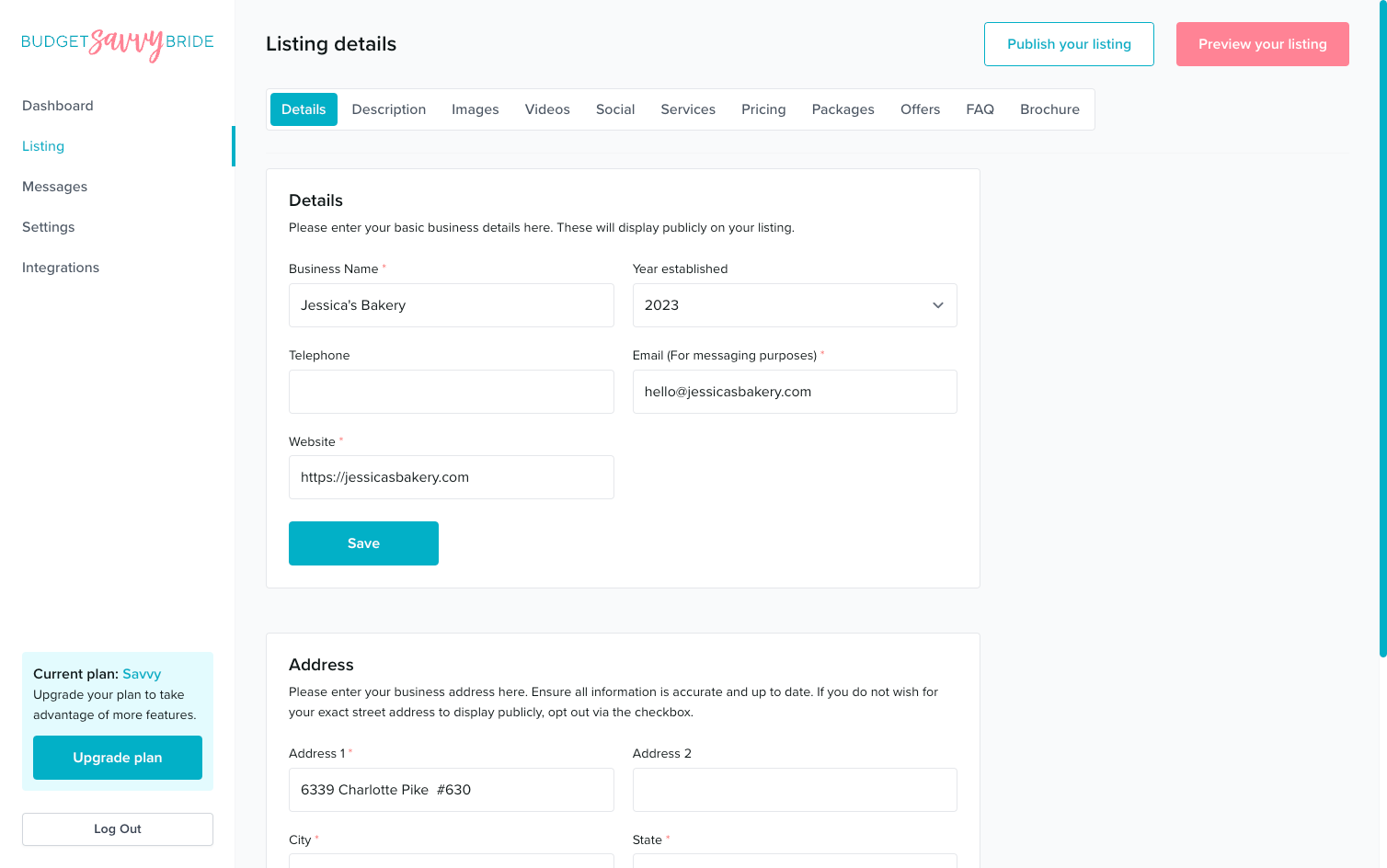
Your first step in filling out your business listing is to complete the Listing Details section.
To access this area, first click Listing in the left-hand side navigation, then click on Details from the listing sub-navigation along the top of the editor.

Listing Details
This area of your listing includes all the essential information about your business, such as your physical location (if applicable), as well as your official contact details, like the phone number and email address you’d like potential customers to use for inquiries.
⚠️ Make sure your business contact information is completed and accurate so interested couples can contact you regarding your services!
Details
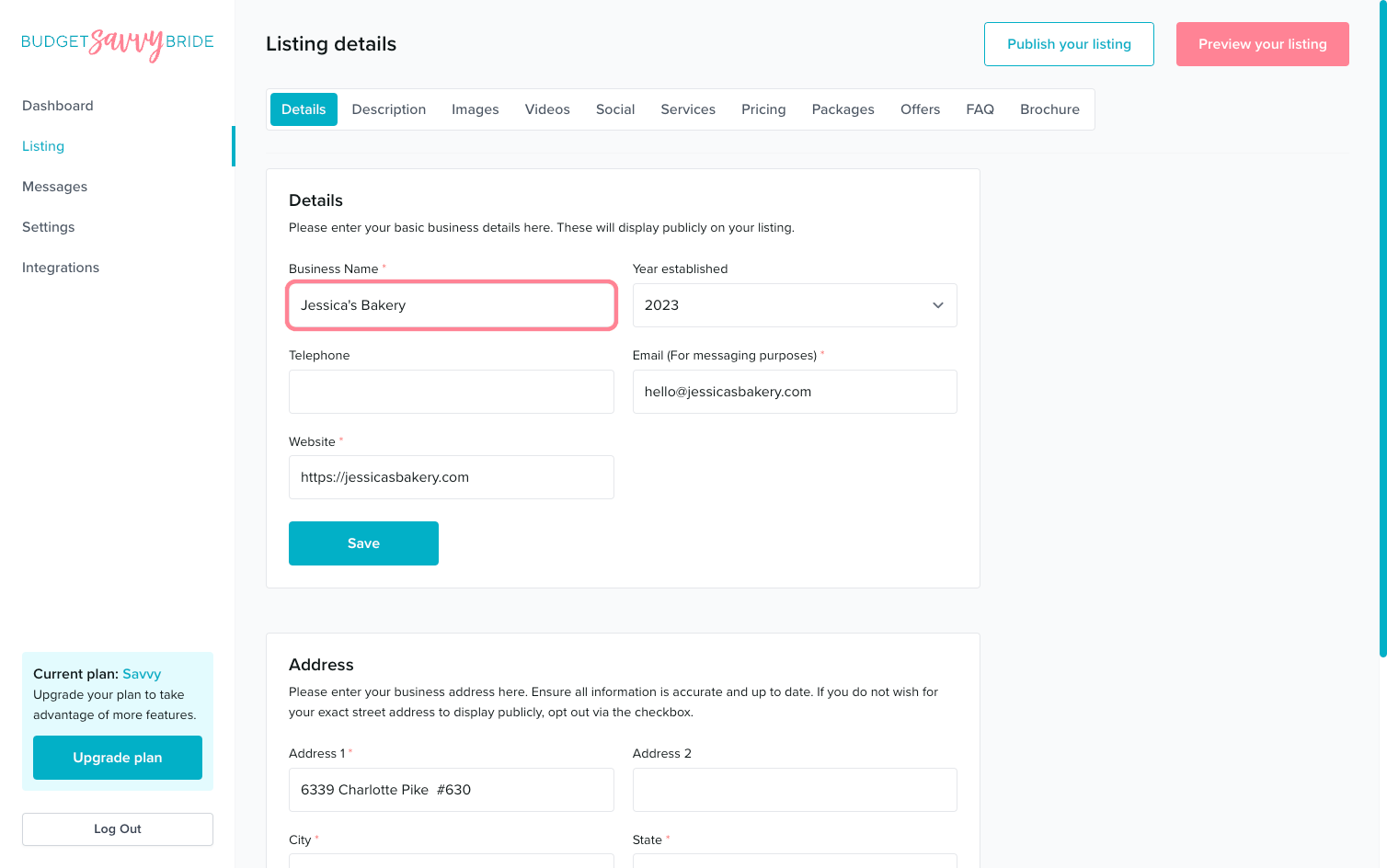
The section includes the following fields:
- Business Name: add the name that will display as the title of your listing.
- Year Established: if applicable, select what year did you started your business.
- Telephone: your official contact number for business inquiries (this number should be an official business phone number with an appropriate business voicemail attached to ensure credibility).
- Email: add your official business contact email address for inquiries and messages to be sent from couples.
- Website: add your official business website where couples can visit you and learn more about your business and review your professional online presence.
⚠️ Please note: Make sure to click the Save button at the end of the section to store your selections.
Address
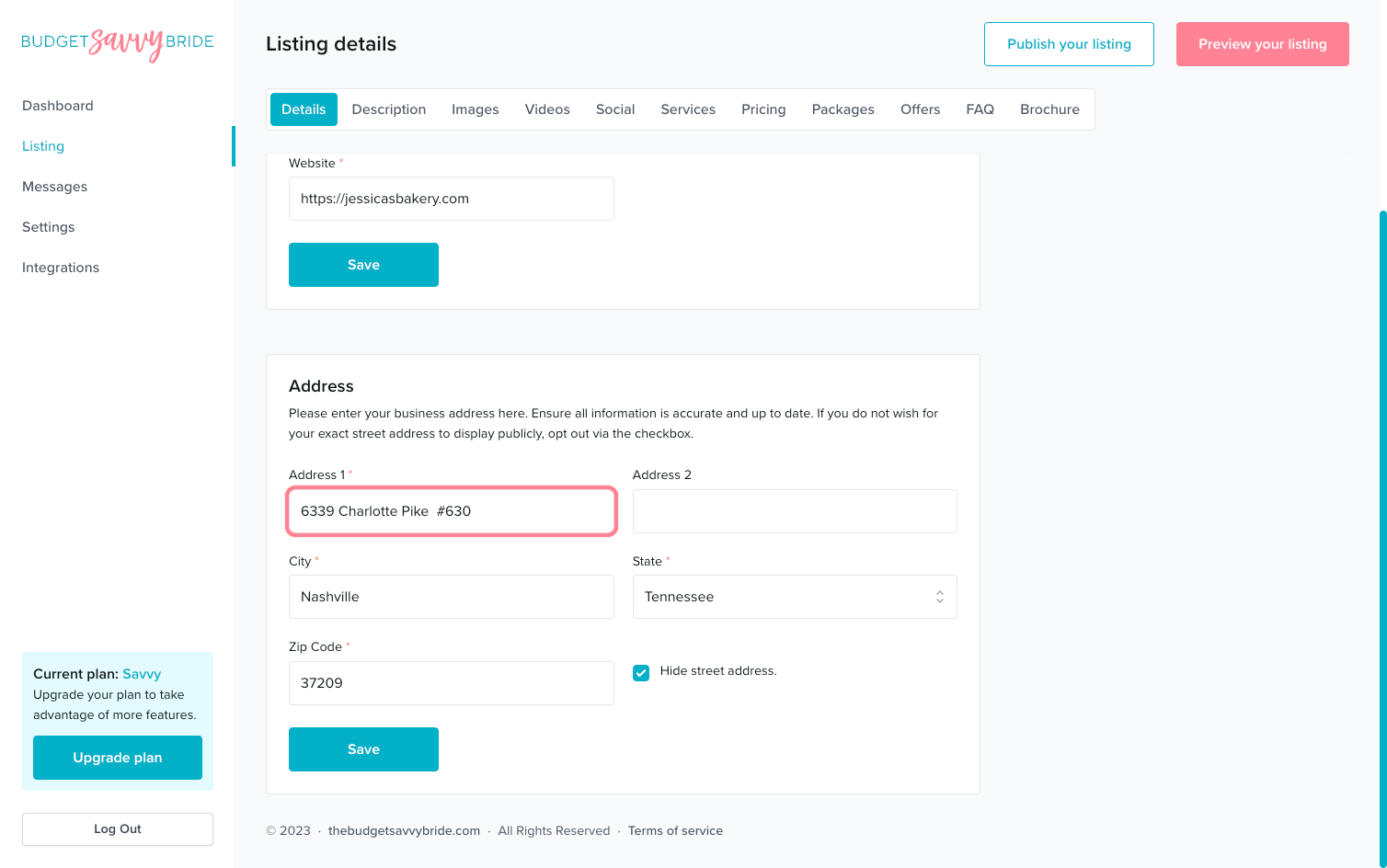
This is your official address and what will be used to determine where you are shown.
This section includes:
- Business address: The state you choose in this section will be the place that you listed under when couples search for you.
- Hide street address: if you do not want your physical street address listed on your business profile, click the checkbox. This will only show your state on the listing.
⚠️ Please note: Make sure to click the Save button at the end of the section to store your selections.
✅ Listing completion status:
Fill out each of the fields in order to complete this section from your listing checklist!
NEXT SECTION >
Next up in your listing editor is Description!