Description
Help Docs Home > Listing Editor > Description
To navigate to the Listing Description area, first click ‘Listing’ in the left-hand side navigation, then click on ‘Description’ from the listing sub-navigation along the top of the editor.

Basic Description
This area of your listing allows you to describe your business for potential customers. Use this space to connect and share why your business is the perfect choice for a couple’s big day!
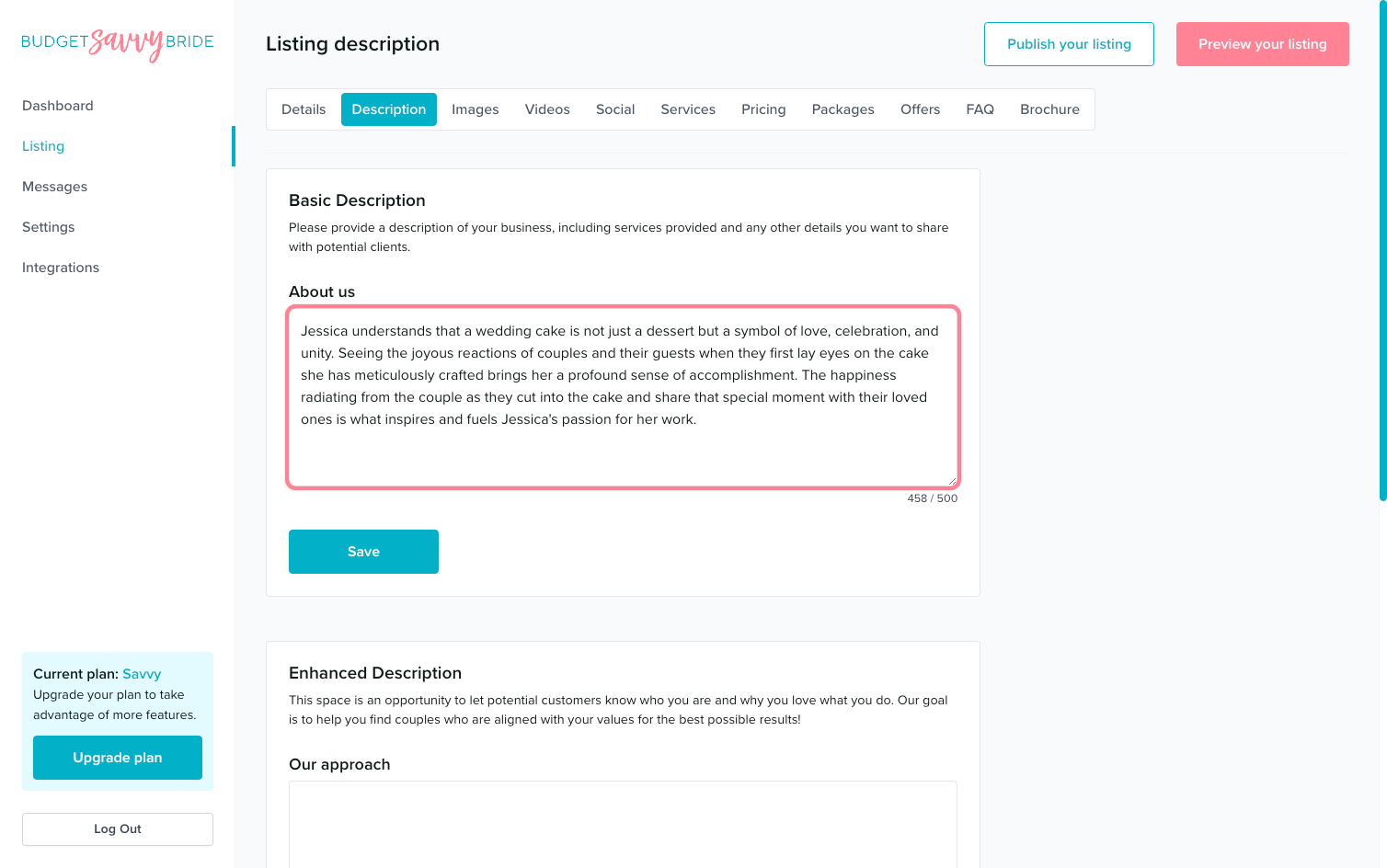
Please provide a description of your business, including services provided and any other details you want to share with potential clients.
Description Fields:
- About us
This field allows for up to 500 characters of a description of your business offerings, ethos, and services. Share what makes you special!
⚠️ Please note: Make sure to click the Save button at the end of the section to store your selections.
Enhanced Description
⭐️ SAVVY PLAN + 🏆 PREMIUM PLAN FEATURE
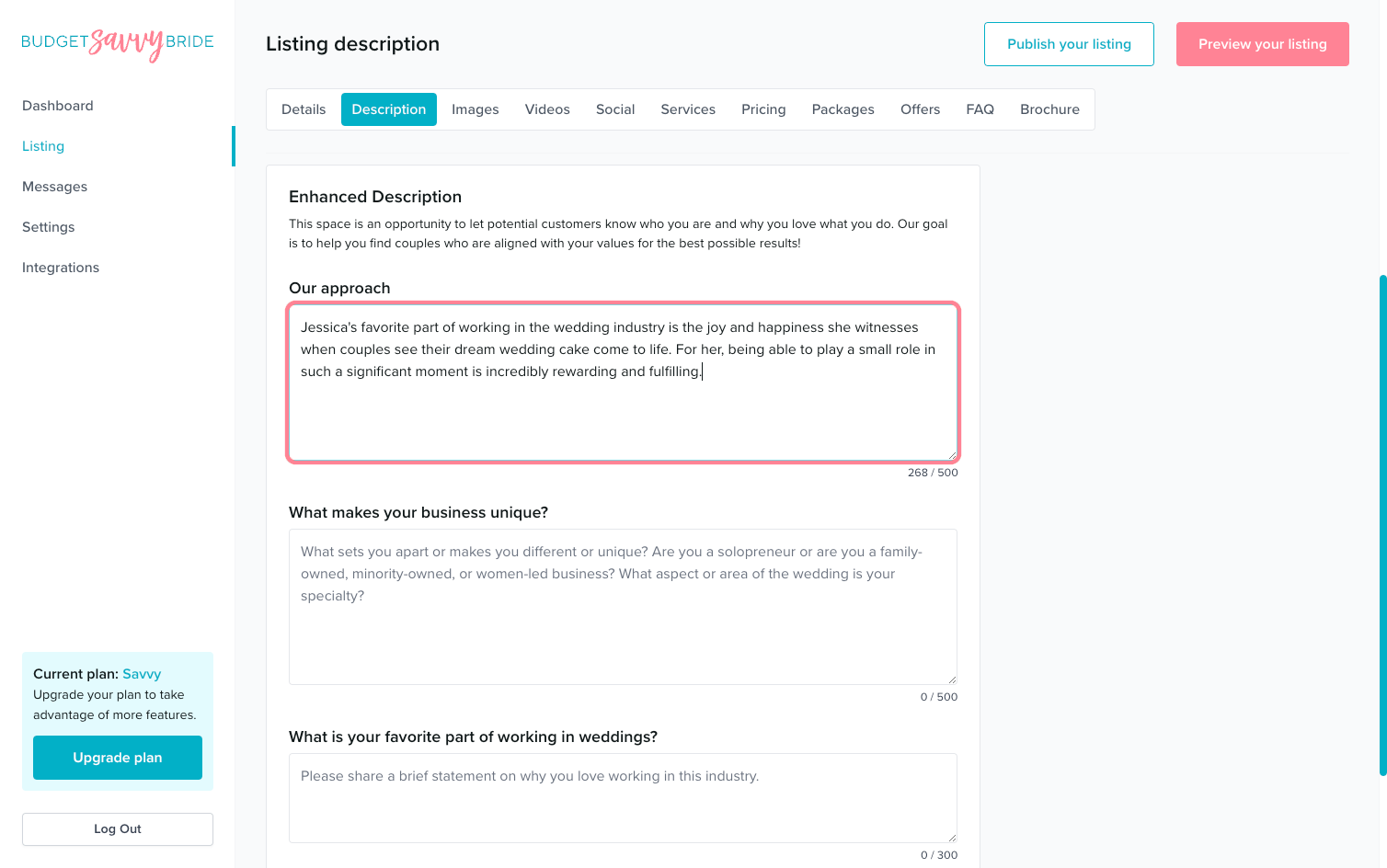
This space is an opportunity to let potential customers know who you are and why you love what you do. Our goal is to help you find couples who are aligned with your values for the best possible results. Fill out the prompts to the best of your ability!
Enhanced Description Fields:
- Our approach
This field allows for up to 500 characters of space to share a bit about how you approach your work with clients.
- What makes your business unique?
This field allows for up to 500 characters of space to share why your business is unique, special, and what sets you apart.
- What is your favorite part of working in weddings?
This field allows for up to 300 characters of space to share why weddings are your chosen field of profession and why you love what you do! Let your heart and personality shine through.
⚠️ Please note: Make sure to click the Save button at the end of the section to store your selections.
✅ Listing completion status:
Fill out each of the fields in order to complete this section from your listing checklist!
NEXT SECTION >
Next up in your listing editor is Images!