Social
Help Docs Home > Listing Editor > Social
To navigate to the Listing Social Area, first click Listing in the left-hand side navigation, then click on ‘Social’ from the listing sub-navigation along the top of the editor.

Social
⭐️ SAVVY PLAN + 🏆 PREMIUM PLAN FEATURE
The Social section is a place to include links to your social media profiles on various platforms.
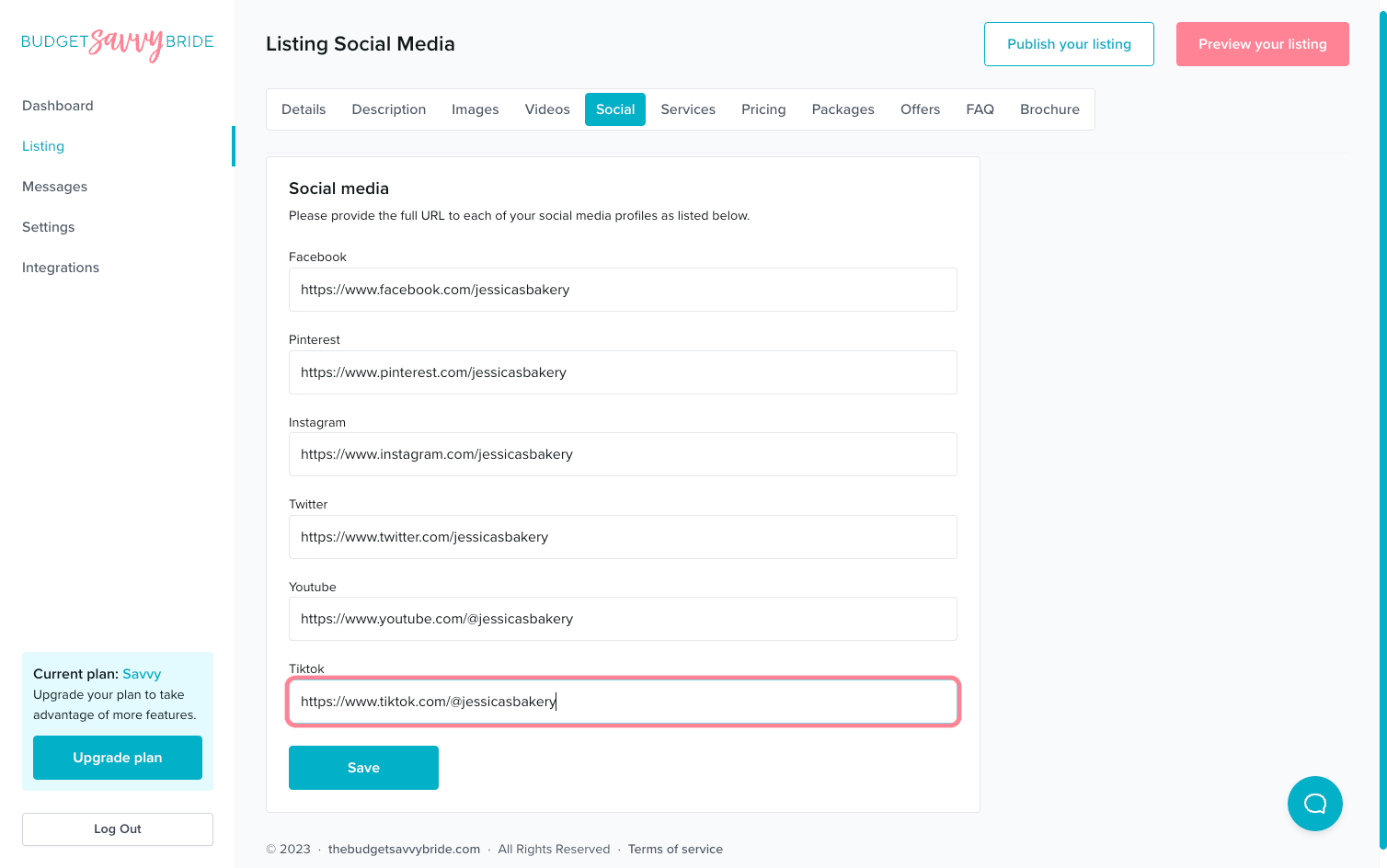
We have fields for the following platforms that will appear on your profile if you have the Savvy or Premium Plans. Include the full URL for each of your social platforms in the appropriate field.
- Facebook – ie, https://facebook.com/youraccount
- Pinterest – ie, https://pinterest.com/youraccount
- Instagram – ie, https://instagram.com/youraccount
- Twitter – ie, https://twitter.com/youraccount
- YouTube – ie, https://youtube.com/@yourchannel
- TikTok – ie, https://tiktok.com/@youraccount
⚠️ Please note: Make sure to click the Save button at the end of the section to store your selections.
✅ Listing completion status:
Fill out at least 3 fields in order to complete this section from your listing checklist!
NEXT SECTION >
Next up in your listing editor is Services.