Offers
Help Docs Home > Listing Editor > Offers
To navigate to the Listing Offers area, first click ‘Listing’ in the left-hand side navigation, then click on ‘Offers’ from the listing sub-navigation along the top of the editor.

Offers
Create special offers to share with potential couples to ensure more exposure and visibility on our platform!
🏆 PREMIUM PLAN FEATURE
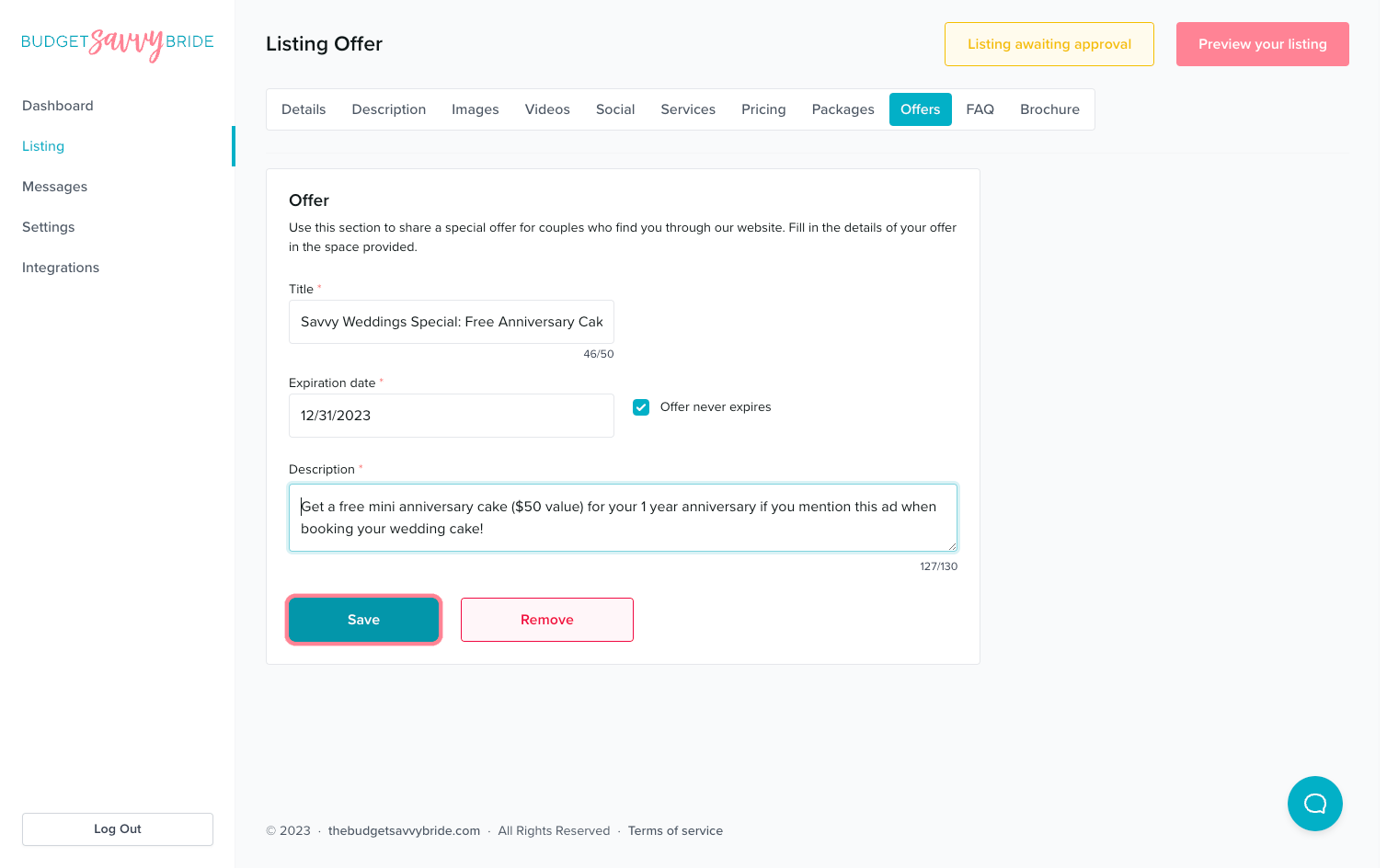
Use this section to share a special offer for couples who find you through your listing. Fill in the details of your offer in the space provided. You can set a title, expiration date, and short description of your offer.
Fields:
- Title: Specify the Title for Your Offer, ie “Free Engagement Session with Wedding Booking!”
- Expiration Date: Define an expiration date for your offer, if applicable. If the offer never expires, click the checkbox to indicate.
- Description: Fill out the description box with the details and terms of your offer.
⚠️ Please note: Make sure to click the Save button at the end of the section to store your selections.
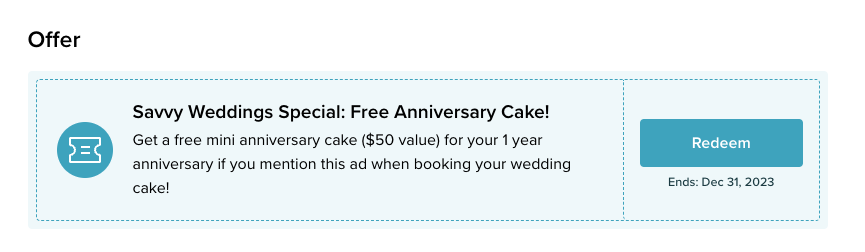
Your offer will appear on your business listing to all couples who view it. If a couple wants to redeem the offer, they will be prompted to send you a message via our platform.
☝️ *Note: you will find the leads/inquiries from your special offer in your “Messages” box in the dashboard.
Remove an Offer
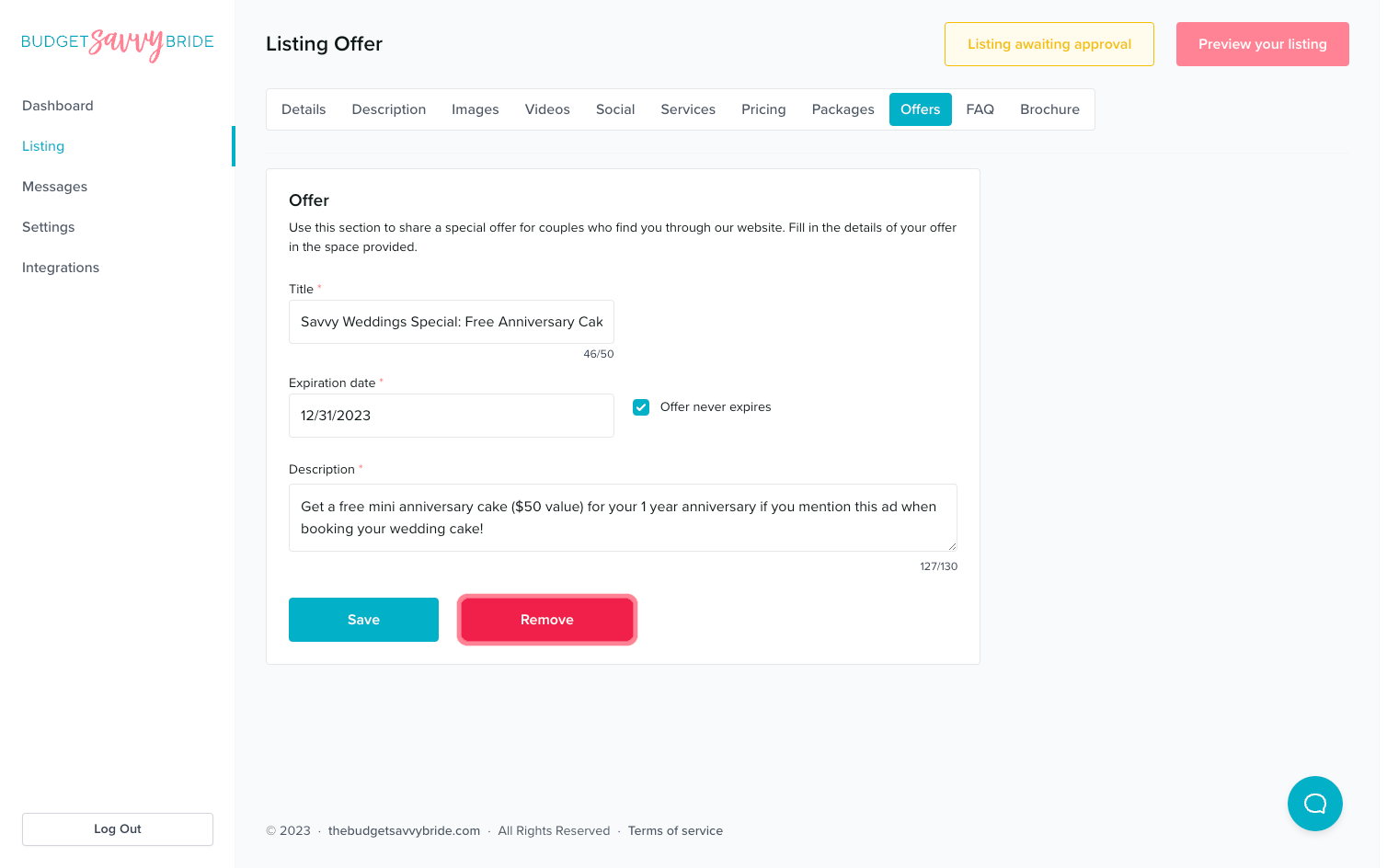
To remove an offer from your listing, simply click the ‘Remove’ button.
✅ Listing completion status:
Create an offer in order to complete this section from your listing checklist!
NEXT SECTION >
Next up in your listing editor is FAQ.