Listing FAQs
Help Docs Home > Listing Editor > Listing FAQs
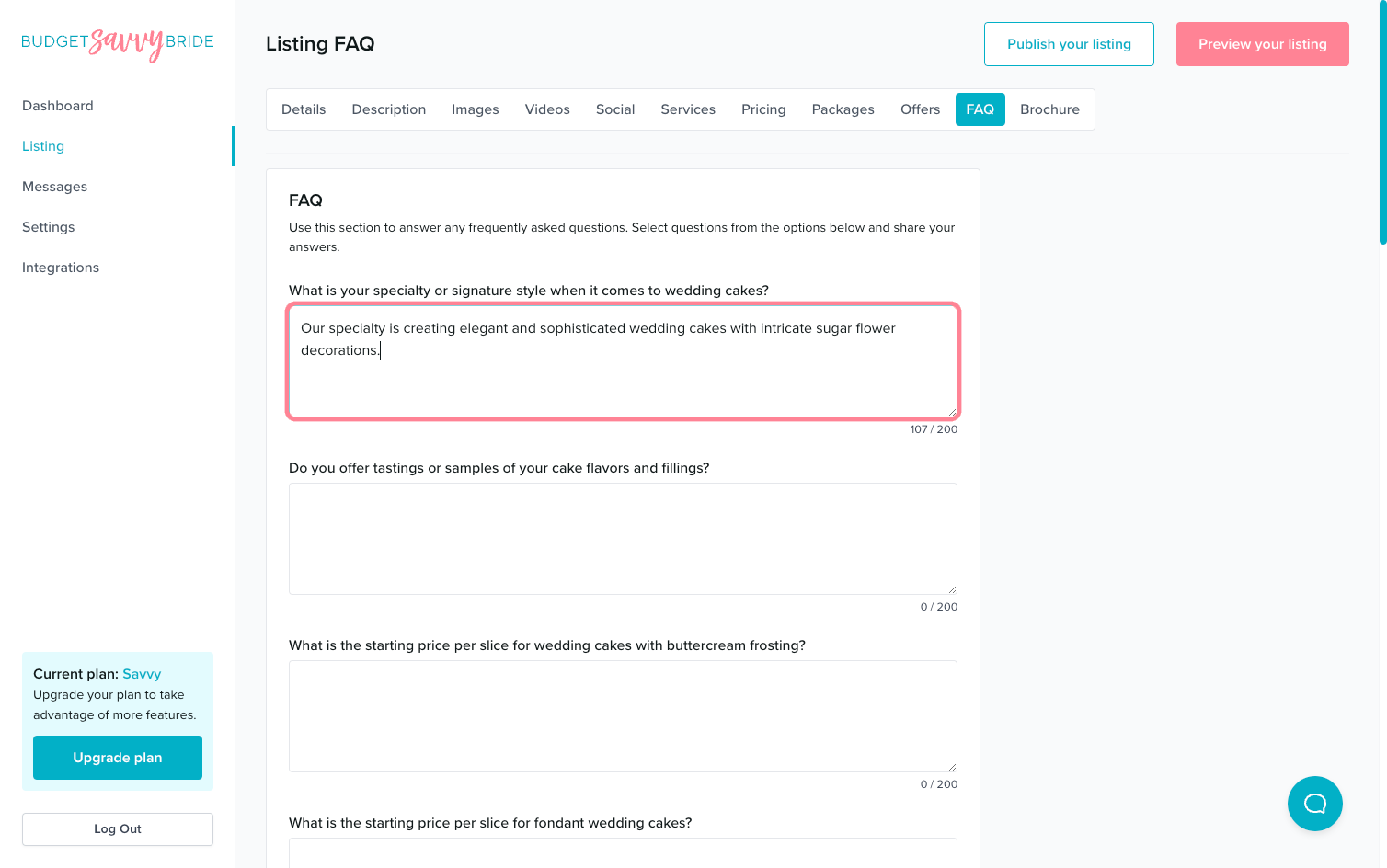
To navigate to the Listing FAQ area, first click ‘Listing’ in the left-hand side navigation, then click on ‘FAQ’ from the listing sub-navigation along the top of the editor.

Frequently Asked Questions
⭐️ SAVVY PLAN + 🏆 PREMIUM PLAN FEATURE
Use this section to answer frequently asked questions. Fill out as many of the questions as you see fit or are relevant to your business.
Is Something Missing?
💡 Have an idea for an FAQ you’d like us to add?
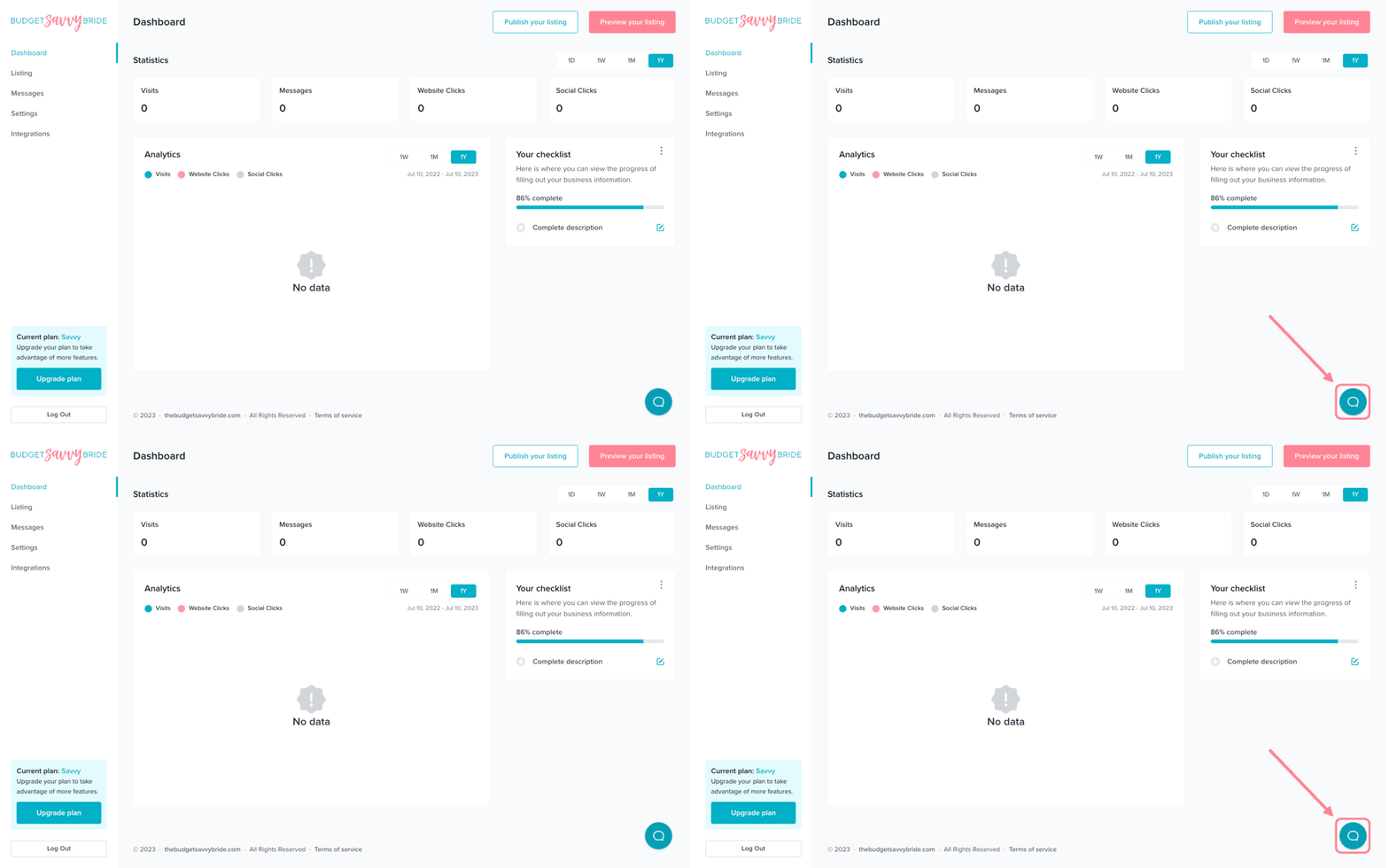
Use the chat bubble in the bottom right of your screen to shoot us a message to let us know if there is a question you’d like to see us add to the options for FAQs.
⚠️ Please note: Make sure to click the Save button at the end of the section to store your selections.
✅ Listing completion status:
Answer a minimum of 3 FAQs in order to complete this section from your listing checklist!
NEXT SECTION >
Next up in your listing editor is Brochure.