Account Settings
Help Docs Home > Account Admin > Account Settings
To view your account settings, click on ‘Settings’ in the lefthand side navigation when logged in to your account.
Account
Here you will find the details of your profile that you entered upon registration.
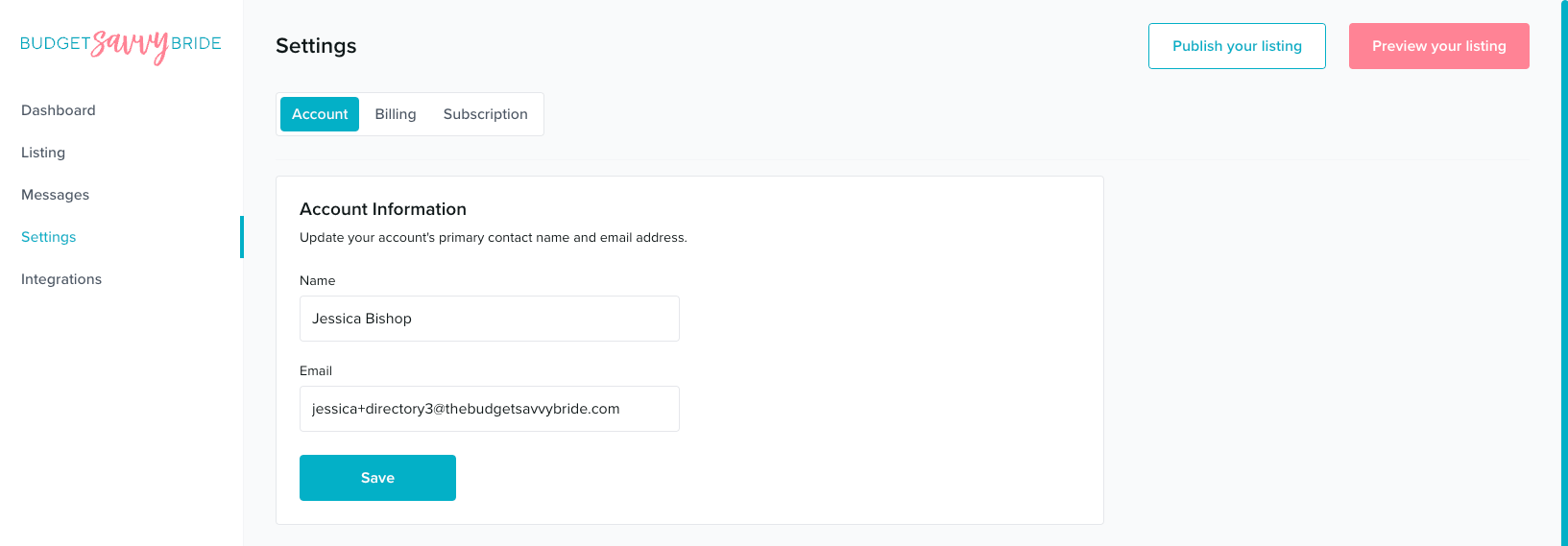
Name
This should be your first and last name as the business owner or representative, or the name of your business.
This email should be the one you’d like to use for inbound client inquiries as well as updates from our platform about your listing.
To save any changes, click ‘Save‘ after entering your details.
Update Password
Should you need or want to update your password, you can do so in this area.
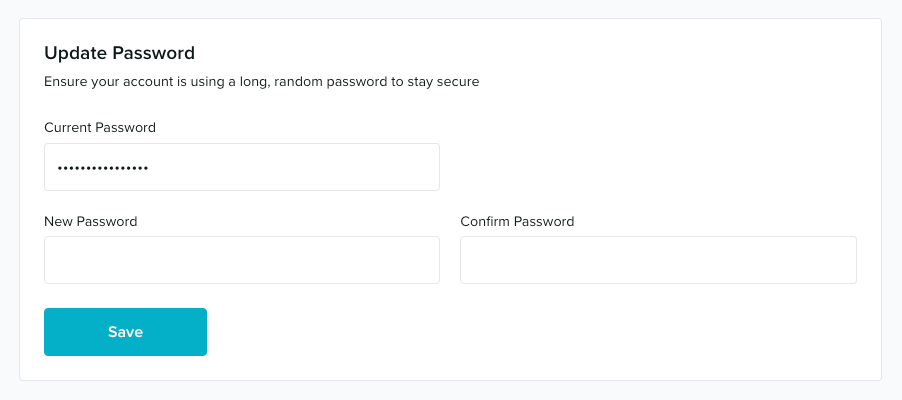
Enter your current password in the first field, followed by entering your new password twice for confirmation.
To save your updated password, click ‘Save‘ after completing all the fields.