Services
Help Docs Home > Listing Editor > Services
To navigate to the Listing Services area, first click ‘Listing’ in the left-hand side navigation, then click on ‘Services’ from the listing sub-navigation along the top of the editor.

Services
The Services area of your listing will list relevant services, products, amenities, coverage, and/or offerings that are available for your Vendor Type.
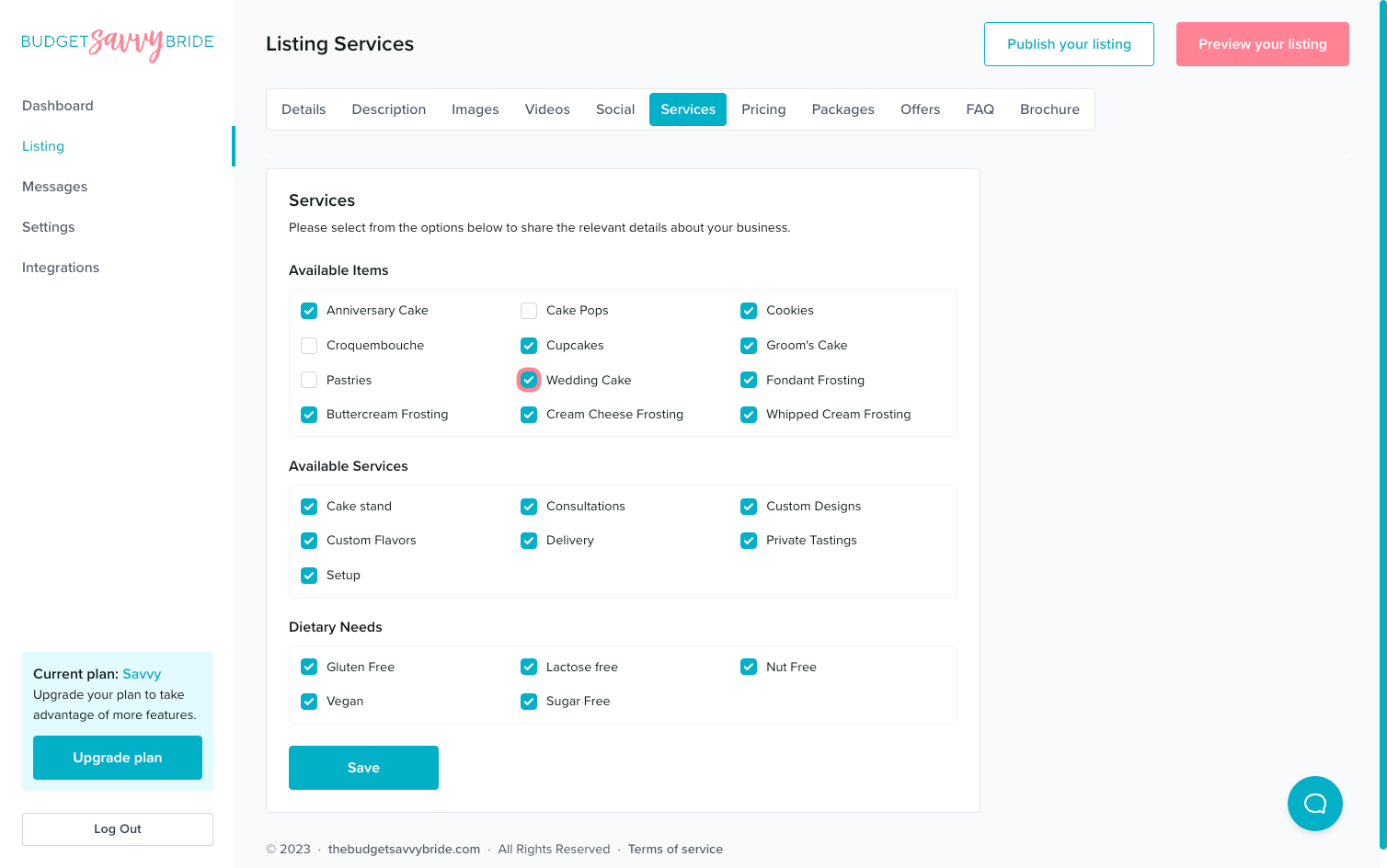
The categories of available services and options will vary depending on the type of wedding business you have. Select all the relevant services or options that your business provides.
⚠️ Please note: Make sure to click the Save button at the end of the section to store your selections.
Is Something Missing?
🆘 Is a specific service or option that your business offers not listed?
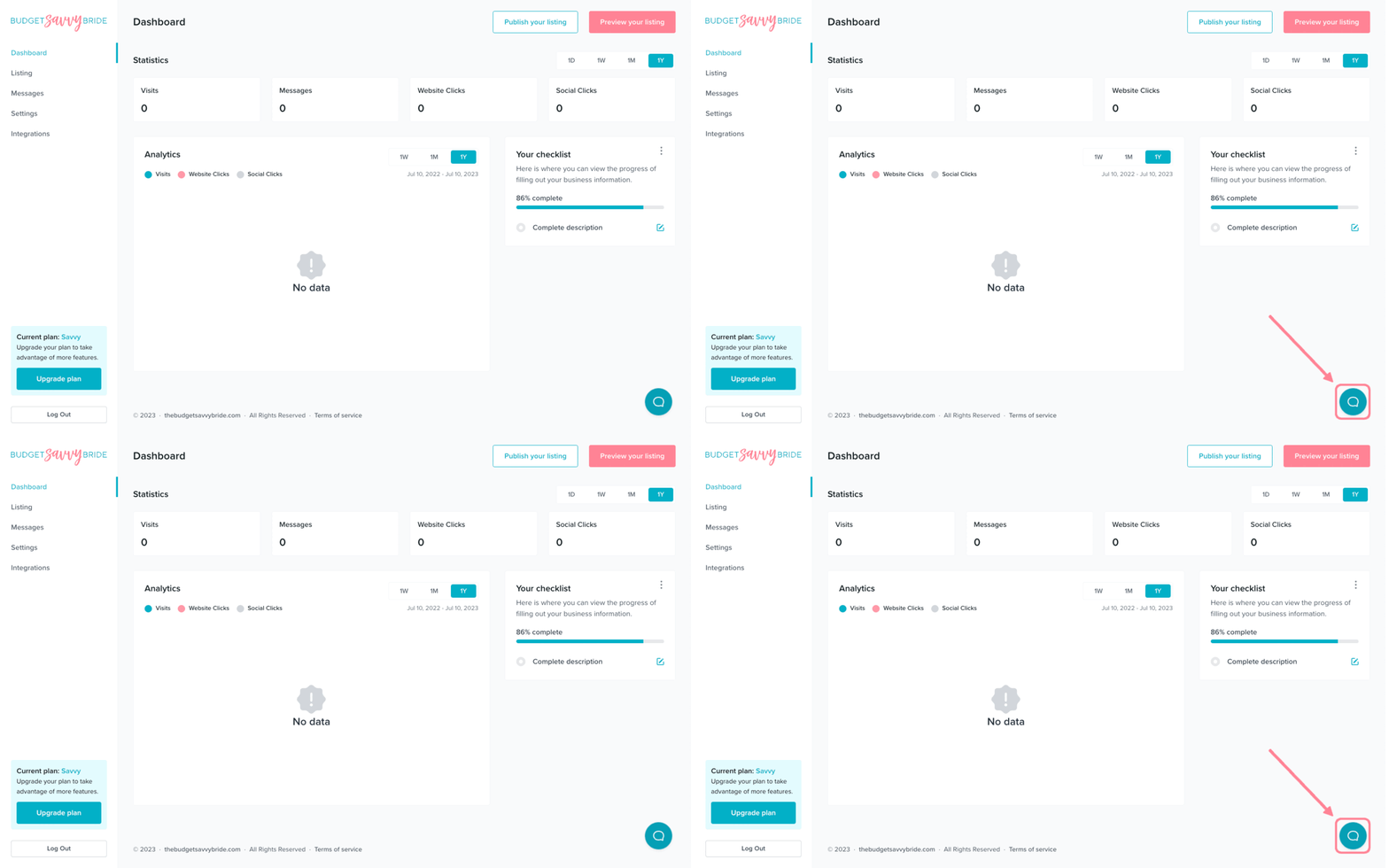
Use the chat bubble in the bottom right of your screen to shoot us a message to let us know you’d like to add an optional service!
✅ Listing completion status:
Select a minimum of 3 available services, amenities, or details to complete this section from your listing checklist!
NEXT SECTION >
Next up in your listing editor is Pricing.